Ultimate Home Recording Studio Guide: Expert Setup Tips
Shelly Walker on 21 November, 2025 | Comments Off on Ultimate Home Recording Studio Guide: Expert Setup Tips
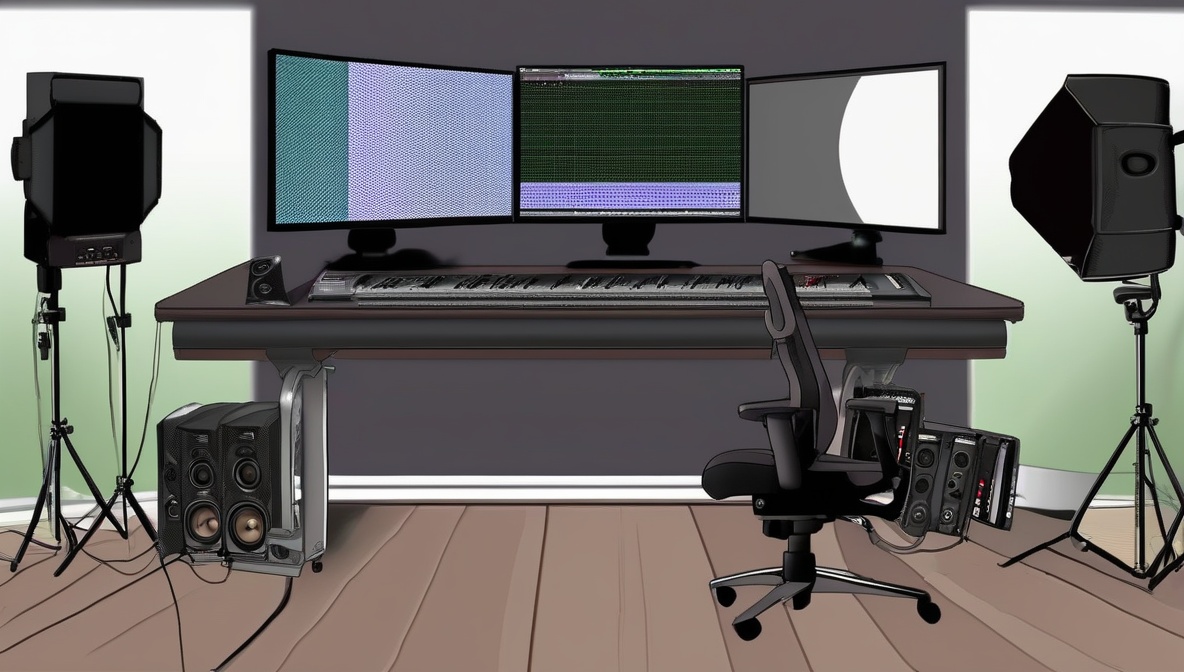
Building a professional-grade home recording studio has never been more accessible, yet the technical complexities can overwhelm even experienced musicians and producers. This comprehensive guide will walk you through every aspect of creating a home recording studio setup that rivals commercial facilities, from selecting the right computer hardware and audio interfaces to optimizing your room acoustics and configuring professional recording software.
What You’ll Need
- A powerful computer (minimum 16GB RAM, quad-core processor, SSD storage)
- Professional audio interface with at least 2 inputs and outputs
- Studio monitor speakers and quality headphones
- Digital Audio Workstation (DAW) software
- Condenser and dynamic microphones
- Audio cables, stands, and acoustic treatment materials
- MIDI controller keyboard
- Pop filters, shock mounts, and other accessories
Step-by-Step Home Recording Studio Instructions
Choose and Configure Your Computer System
Your computer serves as the brain of your home recording studio. Select a machine with at least 16GB of RAM, preferably 32GB for professional work. Install an SSD as your primary drive for the operating system and DAW, with a secondary drive for audio file storage. Configure your system for low-latency audio by disabling unnecessary startup programs, adjusting power settings to high performance, and ensuring your audio interface drivers are properly installed. Mac users should consider machines with M-series chips for exceptional audio processing power, while PC users benefit from Intel i7 or AMD Ryzen 7 processors or higher.
Select and Install Your Audio Interface
The audio interface converts analog signals to digital and vice versa, making it crucial for your home recording studio quality. Choose an interface with enough inputs for your needs—typically 2-8 inputs for most home studios. Popular options include the Focusrite Scarlett series, PreSonus AudioBox, or Universal Audio Apollo interfaces. Connect via USB 3.0, Thunderbolt, or USB-C for optimal performance. Install the manufacturer’s drivers and control software, then configure your DAW to recognize the interface. Set your buffer size between 64-256 samples depending on whether you’re recording (lower latency) or mixing (higher stability).
Set Up Studio Monitors and Acoustic Treatment
According to Icon Collective’s industry experts, proper monitor placement and room treatment are essential for accurate mixing. Position your studio monitors at ear level, forming an equilateral triangle with your listening position. Place them away from walls to minimize bass buildup. Install acoustic treatment including bass traps in corners, absorption panels at reflection points, and diffusion on the rear wall. Even budget-friendly acoustic foam can significantly improve your room’s sound compared to an untreated space.
Install and Configure Your DAW Software
Choose a Digital Audio Workstation that matches your workflow and budget. Popular options include Pro Tools (industry standard), Logic Pro (Mac exclusive), Ableton Live (excellent for electronic music), Cubase, and Reaper (budget-friendly). Install your chosen DAW and configure it to work with your audio interface. Set up your audio preferences including sample rate (typically 44.1kHz or 48kHz), bit depth (24-bit minimum), and buffer settings. Create templates with commonly used tracks, buses, and effects to streamline your home recording studio workflow.
Configure Microphones and Recording Chain
Research from Berklee College of Music emphasizes that microphone selection and placement dramatically impact recording quality. Set up both a large-diaphragm condenser microphone for vocals and acoustic instruments, and a dynamic microphone for loud sources like guitar amps and drums. Connect microphones through your audio interface’s preamps, and use proper accessories like pop filters for vocals and shock mounts to reduce handling noise. Test different microphone positions and document your preferred setups for various instruments.
Set Up MIDI Controllers and Virtual Instruments
Connect a MIDI controller keyboard to expand your home recording studio capabilities beyond just audio recording. Most modern controllers connect via USB and are automatically recognized by DAWs. Configure your controller’s knobs, faders, and pads to control common DAW functions like transport controls, mixer levels, and plugin parameters. Install high-quality virtual instruments and sample libraries—many DAWs include excellent built-in instruments, while third-party options like Native Instruments Kontakt, Spectrasonics Omnisphere, or Arturia’s V Collection provide professional sounds.
Optimize Your Signal Chain and Monitoring
Create an efficient signal flow from source to speakers. Route your audio interface outputs to your studio monitors, and set up a separate headphone mix for performers. Configure monitor control software if your interface includes it, allowing you to switch between different speaker sets and adjust levels. Set up talkback functionality if your interface supports it, enabling communication with performers in separate rooms. Ensure all connections use balanced cables where possible to minimize noise and interference.
Test and Calibrate Your System
Perform comprehensive testing of your complete home recording studio setup. Record test signals through each input, checking for proper levels, absence of noise, and correct routing. Use a decibel meter or spectrum analyzer to check your monitor levels and room frequency response. Calibrate your monitors to approximately 83 dB SPL for mixing reference levels. Test MIDI functionality, virtual instruments, and plugin performance under various CPU loads to identify any stability issues before important recording sessions.
Advanced Home Recording Studio Optimization
Network and Cloud Integration
Modern home recording studio setups benefit from cloud integration and networked storage solutions. Set up automatic project backups to cloud services like Dropbox, Google Drive, or specialized audio storage services. Consider Network Attached Storage (NAS) systems for large sample libraries and archived projects. Configure your DAW for collaborative workflows, enabling remote collaboration with other musicians and producers.
Hardware Expandability
Plan for future expansion of your home recording studio by choosing scalable equipment. Select audio interfaces that can be chained together or upgraded to higher channel counts. Design your acoustic treatment to be modular and adjustable. Invest in quality cables and hardware that will grow with your studio needs.
Essential Software and Plugin Setup
Core Plugin Categories
Build your plugin collection systematically, starting with essential categories. Install quality equalizers, compressors, reverbs, and delays as your foundation. Add specialty processors like de-essers, harmonic enhancers, and tape emulations. Many DAWs include professional-grade built-in effects that rival expensive third-party options.
Workflow Enhancement Tools
Configure productivity tools within your DAW to streamline your home recording studio workflow. Set up custom key commands, create macro shortcuts for common tasks, and organize your plugin favorites for quick access. Use template projects for different genres or instrumentation to start sessions quickly.
Troubleshooting Common Issues
Problem: Audio dropouts, crackling, or high CPU usage during recording or playback
Solution: Increase your audio buffer size in the DAW preferences, close unnecessary applications, disable WiFi and Bluetooth if not needed, and ensure your audio interface drivers are updated. Consider upgrading your computer’s RAM or switching to a faster SSD if problems persist.
Problem: Latency issues making it difficult to record while monitoring
Solution: Lower your buffer size to 64-128 samples while recording, use direct monitoring from your audio interface instead of software monitoring, and ensure you’re using ASIO drivers on Windows or Core Audio on Mac. Some interfaces offer near-zero latency monitoring through hardware-based monitoring systems.
Problem: Room acoustics causing muddy or unclear recordings
Solution: Add acoustic treatment strategically—bass traps in corners, absorption panels at first reflection points, and diffusion behind the listening position. UTC Library’s recording studio guide suggests even hanging heavy blankets or repositioning furniture can improve room acoustics significantly in untreated spaces.
Problem: MIDI controllers not responding or mapping incorrectly
Solution: Check that your MIDI controller is set to the correct MIDI channel in both the hardware and software. Update controller drivers and DAW software to the latest versions. Many controllers require specific software or firmware updates to work optimally with different DAWs.
Summary
Creating a professional home recording studio requires careful attention to both technical specifications and acoustic considerations. By following this systematic approach—from computer optimization and audio interface selection through acoustic treatment and workflow configuration—you’ll establish a recording environment capable of producing commercial-quality results. Remember that building an effective home recording studio is an iterative process; start with quality core components and expand your capabilities over time as your skills and needs develop.
References
- Berklee College of Music – Home Studio Recording Equipment Basics
- Icon Collective – Home Studio Setup Design and Acoustic Tips from Industry Experts
- UTC Library – At-Home Recording Studio Guide