Ultimate XLR USB Microphones Guide: Expert Podcast Setup
Shelly Walker on 11 November, 2025 | Comments Off on Ultimate XLR USB Microphones Guide: Expert Podcast Setup
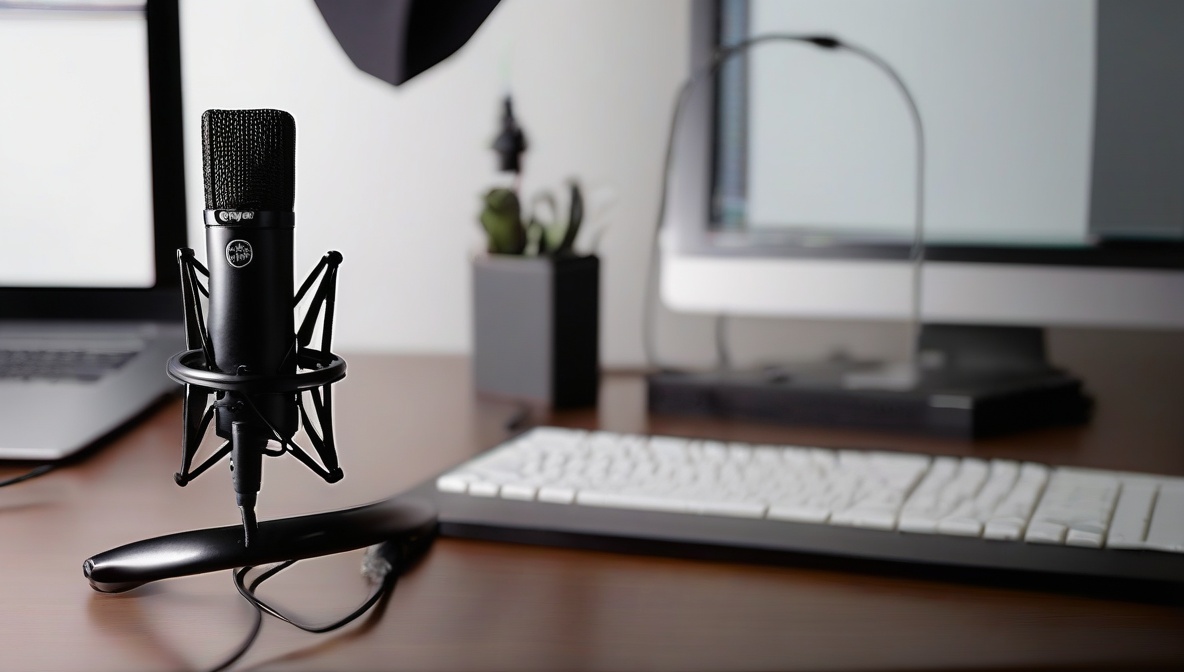
Choosing between XLR USB microphones can make or break your podcast’s audio quality. This comprehensive guide walks you through the technical differences, setup processes, and decision factors to help you select the perfect microphone system for professional podcasting results.
What You’ll Need
- Computer with available USB ports or audio interface
- Audio recording software (Audacity, Reaper, or similar)
- Headphones for monitoring audio quality
- XLR cables and audio interface (for XLR setup) or USB cable (for USB setup)
- Pop filter and boom arm (recommended for both setups)
Understanding XLR USB Microphones: The Technical Foundation
Before diving into setup procedures, it’s crucial to understand what distinguishes XLR USB microphones from traditional single-connection microphones. These hybrid devices offer both XLR and USB connectivity options, providing flexibility for different recording scenarios and future upgrades.
XLR connections deliver analog audio signals that require an audio interface or mixer for digital conversion, while USB connections handle this conversion internally through built-in analog-to-digital converters. According to AVIXA’s comprehensive podcast equipment guide, understanding this fundamental difference helps podcasters make informed decisions about their audio chain setup.
Key Technical Differences
XLR Mode Advantages:
- Superior preamp quality through dedicated audio interfaces
- Lower latency monitoring capabilities
- Professional studio integration compatibility
- Higher dynamic range and signal-to-noise ratio
USB Mode Advantages:
- Plug-and-play simplicity without additional hardware
- Direct computer connection for immediate recording
- Built-in headphone monitoring (on select models)
- Lower initial investment cost
Step-by-Step Instructions
Assess Your Recording Environment and Needs
Evaluate your podcast setup requirements by considering your recording space acoustics, guest interview frequency, and growth plans. Single-host podcasters in treated rooms may benefit from USB simplicity, while multi-host productions or professional studios typically require XLR flexibility. Test your room’s background noise levels using a smartphone app to determine if you need the superior noise handling capabilities of XLR systems.
Select Your XLR USB Microphone Configuration
Choose your primary connection method based on your assessment. For USB setup, ensure your computer meets the microphone’s system requirements and has adequate USB bandwidth. For XLR setup, select an audio interface that matches your channel needs and provides sufficient phantom power (typically 48V) for condenser microphones. Popular XLR USB microphones like the Audio-Technica AT2020USB+ and Rode PodMic USB offer identical capsules for both connection types.
Configure Your Audio Chain and Software Settings
Connect your chosen setup and configure your recording software’s input settings. For USB connections, select the microphone as your input device and set appropriate gain levels to achieve -12dB to -6dB peak levels during normal speech. For XLR connections, configure your audio interface’s preamp gain, enable phantom power if required, and set your software to receive input from the interface. Research from Sound Girls emphasizes the importance of proper gain staging to prevent distortion and maintain professional audio quality.
Optimize Your Microphone Positioning and Room Treatment
Position your XLR USB microphones 6-8 inches from your mouth at a slight angle to minimize plosive sounds. Install acoustic treatment or record in naturally dampened spaces to reduce reflections. Test both connection methods if available, recording identical content to compare audio quality, noise floor, and dynamic range. This comparison helps validate your setup choice and ensures optimal performance for your specific podcasting requirements.
Performance Comparison: XLR vs USB Mode Analysis
Understanding the measurable performance differences between XLR and USB modes helps podcasters make data-driven decisions. XLR USB microphones typically show distinct characteristics depending on their connection method.
Audio Quality Metrics
Signal-to-Noise Ratio: XLR connections through quality audio interfaces typically achieve 3-6dB better signal-to-noise ratios compared to built-in USB converters. This difference becomes particularly noticeable in quiet recording environments where background hiss can impact listener experience.
Dynamic Range: Professional audio interfaces connected via XLR often provide 110-120dB dynamic range, while USB implementations typically offer 96-110dB. This additional headroom benefits podcasters who vary their vocal dynamics or incorporate music and sound effects.
Latency Performance: XLR setups with dedicated audio interfaces achieve monitoring latencies as low as 1-3ms, while USB implementations typically range from 10-30ms depending on buffer settings and computer performance.
Practical Workflow Considerations
Beyond technical specifications, workflow efficiency significantly impacts podcast production quality. USB connections excel in portable recording scenarios and quick setup situations, while XLR configurations provide superior scalability for growing podcast operations.
According to Podcast Insider’s detailed analysis, professional podcasters often begin with USB simplicity before transitioning to XLR systems as their productions mature and require additional inputs or processing capabilities.
Budget Analysis and Equipment Recommendations
Cost considerations extend beyond the microphone purchase to include necessary accessories and potential upgrade paths. XLR USB microphones provide unique value by supporting both entry-level and professional setups without requiring complete equipment replacement.
Entry-Level USB Setup ($150-300)
- XLR/USB hybrid microphone: $100-150
- Closed-back headphones: $50-100
- Basic pop filter and desk stand: $30-50
Professional XLR Setup ($400-800)
- Same XLR/USB microphone: $100-150
- Audio interface (2-channel): $150-300
- Studio monitor headphones: $100-200
- XLR cable and professional boom arm: $50-100
- Acoustic treatment basics: $100-150
Troubleshooting
Problem: Audio sounds different between XLR and USB modes on the same microphone
Solution: This is normal due to different analog-to-digital conversion systems. USB mode uses the microphone’s built-in converter, while XLR mode uses your audio interface’s converter. Adjust input gain levels independently for each mode to achieve consistent recording levels, and consider the impedance matching between your microphone and audio interface for optimal XLR performance.
Problem: USB connection causes computer performance issues or audio dropouts
Solution: Switch to XLR mode with a dedicated audio interface to reduce CPU load and improve system stability. USB audio processing can burden older computers, while audio interfaces handle conversion independently. Also ensure USB cables are high-quality and properly shielded to prevent interference.
Problem: Significant noise floor differences between connection methods
Solution: Compare the gain staging between setups. USB modes often require higher digital gain compensation, while XLR modes benefit from proper analog preamp gain structure. Use your audio interface’s direct monitoring feature in XLR mode to bypass computer processing and reduce noise accumulation.
Future-Proofing Your Podcast Audio Setup
Selecting XLR USB microphones provides upgrade flexibility as your podcast grows. Starting with USB simplicity while maintaining XLR expandability ensures your microphone investment remains valuable through equipment transitions.
Consider factors like guest interview frequency, remote recording needs, and potential studio expansion when planning your audio evolution. XLR USB microphones excel in transitional scenarios where immediate simplicity and future professional capability both matter.
Summary
XLR USB microphones offer the best of both worlds for podcasters, combining USB convenience with XLR professional capability. By understanding the technical differences, following proper setup procedures, and considering your specific podcasting needs, you can maximize audio quality while maintaining upgrade flexibility. Whether you choose USB simplicity or XLR sophistication, proper configuration and acoustic treatment remain essential for professional podcast sound.
References
- AVIXA – Ultimate Guide to Podcast Equipment and Microphones
- Sound Girls – How to Choose the Podcast Microphone That’s Right for You
- Podcast Insider – XLR vs USB Microphone Analysis