Ultimate Guide to Prevent Audio Clipping: Expert Streaming Tips
Shelly Walker on 30 January, 2026 | Comments Off on Ultimate Guide to Prevent Audio Clipping: Expert Streaming Tips
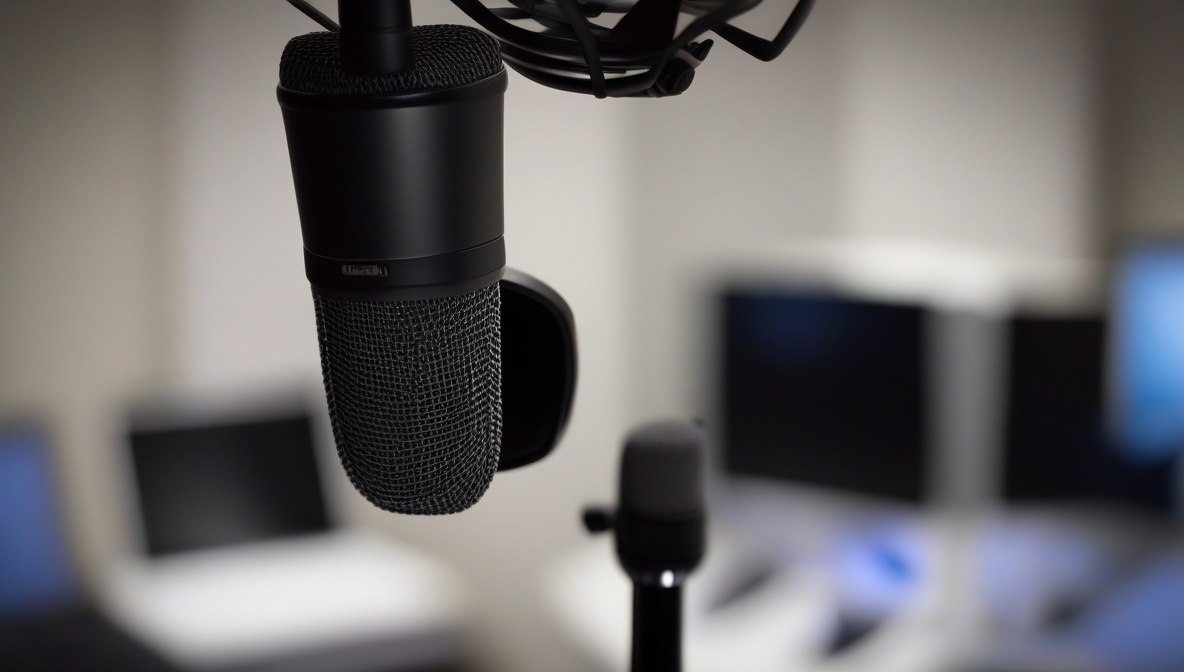
Audio clipping destroys the professional quality of your podcasts and streams, turning clear audio into distorted, unlistenable content. This comprehensive guide will teach you advanced techniques to prevent audio clipping, ensuring your audience enjoys crystal-clear sound that keeps them engaged and coming back for more.
What You’ll Need
- Audio interface or USB microphone with gain control
- Digital Audio Workstation (DAW) software like Audacity, Reaper, or OBS Studio
- Closed-back headphones for accurate monitoring
- Audio limiter/compressor plugin (hardware or software)
- SPL meter app or built-in level meters in your recording software
Understanding Audio Clipping and Its Impact
Before diving into prevention techniques, it’s crucial to understand what causes audio clipping. Clipping occurs when your audio signal exceeds the maximum level your recording system can handle, typically 0 dBFS (decibels Full Scale) in digital systems. When this happens, the peaks of your audio waveform get “clipped off,” creating harsh distortion that’s impossible to remove in post-production.
According to CDC’s Podcasting Best Practices guidelines, maintaining proper audio levels is essential for accessibility and listener engagement. Poor audio quality can reduce comprehension and cause listener fatigue, directly impacting your content’s effectiveness.
Step-by-Step Instructions
Configure Your Input Gain Structure
Start by setting your microphone gain to achieve optimal input levels. Speak at your normal volume while watching your audio interface‘s input meter. Aim for peaks between -12 dB and -6 dB, never allowing the signal to reach 0 dB. This headroom prevents sudden volume spikes from causing clipping. Adjust the gain knob on your audio interface gradually – small movements make significant differences.
Implement Real-Time Limiting
Insert a limiter in your signal chain to prevent audio clipping at the source. Set the limiter’s ceiling to -1 dB or -0.3 dB, creating a safety net that catches unexpected peaks. Configure the attack time to 0.1-1 milliseconds for fast response to transients. Modern streaming software like OBS Studio includes built-in limiters – enable them and set conservative thresholds to maintain audio quality.
Set Up Proper Monitoring Systems
Configure visual level meters in your DAW or streaming software to prevent audio clipping through constant monitoring. Enable peak hold functions to catch brief clipping events you might miss. Set up audio alarms or visual indicators that trigger when levels approach dangerous territory. Many professionals use the -18 dBFS standard as their target level, providing ample headroom for dynamic content.
Optimize Your Recording Environment
Position your microphone 6-8 inches from your mouth and maintain consistent distance to prevent audio clipping from proximity effects. Use a pop filter to eliminate plosive sounds that can cause sudden level spikes. Implement acoustic treatment in your recording space to reduce reflections that can compound and cause unexpected peaks in your audio signal.
Configure Advanced Compression Settings
Apply gentle compression with a 3:1 or 4:1 ratio to smooth out dynamic range and prevent audio clipping. Set the attack time between 10-30 milliseconds to preserve the natural character of speech while controlling peaks. Use makeup gain conservatively – the goal is to reduce peaks, not increase overall volume. This technique helps maintain consistent levels throughout your broadcast.
Implement Multi-Stage Processing
Create a processing chain with multiple stages: input gain control, compression, EQ, and final limiting. Each stage handles a specific aspect of level control, preventing any single processor from working too hard. This approach maintains audio quality while providing robust protection against clipping. Test your chain with various content types to ensure consistent performance.
Calibrate Your System for Consistency
Establish reference levels for different content types in your shows. Create presets for solo speech, interviews, and music segments, each optimized to prevent audio clipping while maintaining appropriate loudness. Document your settings and check them regularly to ensure consistent results across all your productions.
Advanced Prevention Techniques
Automatic Gain Control (AGC) Implementation
Modern streaming platforms benefit from intelligent AGC systems that automatically adjust levels to prevent audio clipping. However, use AGC judiciously – aggressive settings can create pumping artifacts that sound unprofessional. Configure AGC with slow attack and release times (500ms or longer) to maintain natural speech dynamics while providing safety against sudden level increases.
Multi-Band Limiting Strategies
Implement multi-band limiters that process different frequency ranges independently. This prevents audio clipping in specific frequency bands without affecting the entire signal. Low frequencies often cause clipping in speech due to proximity effect and room acoustics – use a high-pass filter at 80-100 Hz to eliminate problematic subsonic content.
Dynamic Range Considerations
Research from the National Center for Biotechnology Information indicates that maintaining appropriate dynamic range is crucial for listener comprehension and engagement. While preventing clipping is essential, over-compression can reduce speech intelligibility. Strike a balance by preserving natural dynamics while ensuring peaks never exceed safe levels.
Hardware vs. Software Solutions
Hardware limiters and compressors process your signal before it reaches your computer’s analog-to-digital converter, providing the earliest possible intervention to prevent audio clipping. Popular hardware options include the DBX 286s and Cloudlifter CL-1, which offer reliable, low-latency processing ideal for live streaming.
Software solutions provide more flexibility and precise control but introduce latency that may not be suitable for all applications. Modern plugins like FabFilter Pro-L2 or Waves L2 offer sophisticated algorithms that can prevent clipping while maintaining audio quality, but they work best in post-production rather than live situations.
Platform-Specific Optimization
Podcast Platform Requirements
Different podcast platforms have varying loudness standards that affect how you should prevent audio clipping. Spotify targets -14 LUFS, while Apple Podcasts uses -16 LUFS. Understanding these standards helps you optimize your limiting and compression settings for each platform’s specific requirements.
Streaming Platform Considerations
Live streaming platforms like Twitch and YouTube Live apply additional compression that can exacerbate clipping issues. Leave extra headroom (-3 dB to -6 dB peaks) when streaming to accommodate platform processing. Test your settings with various content types and monitor how the platform’s encoding affects your final audio quality.
Troubleshooting
Problem: Audio clips despite proper gain staging and limiting
Solution: Check for intersample peaks that occur between digital samples. Use oversampling in your limiter (4x or 8x) to catch these peaks, or apply a slight low-pass filter at 18-20 kHz to reduce high-frequency content that contributes to intersample distortion.
Problem: Limiting creates pumping or breathing artifacts
Solution: Increase the limiter’s release time to 100-300 milliseconds and reduce the amount of limiting applied. Consider using multiple limiters with gentle settings rather than one aggressive limiter to prevent audio clipping more transparently.
Problem: Inconsistent levels between speakers in interviews
Solution: Use individual limiters and compressors for each speaker, then blend the processed signals. Set different thresholds and ratios based on each speaker’s dynamic range and speaking style to maintain consistent levels without clipping.
Monitoring and Quality Assurance
Establish a systematic approach to monitoring your audio throughout production. The National Archives’ audio preservation guidelines emphasize the importance of continuous monitoring to maintain broadcast standards. Use multiple monitoring methods: visual meters, audio monitoring through quality headphones, and periodic recording analysis.
Create checkpoints in your workflow where you specifically listen for clipping artifacts. These include: pre-recording sound checks, real-time monitoring during recording, and post-production quality control. Develop your ear to recognize the subtle distortion that precedes obvious clipping – this early detection helps you make corrections before problems become severe.
Summary
Preventing audio clipping requires a systematic approach combining proper gain staging, real-time processing, and continuous monitoring. By implementing these advanced techniques and understanding the underlying principles, you’ll deliver professional-quality audio that engages your audience and reflects your commitment to excellence. Remember that prevention is always better than correction – invest time in proper setup to avoid audio quality issues that can damage your content’s credibility.
References
- CDC – Podcasting Best Practices for Public Health Communication
- National Center for Biotechnology Information – Audio Quality and Listener Comprehension Research
- National Archives – Audio and Video Preservation Resources and Standards